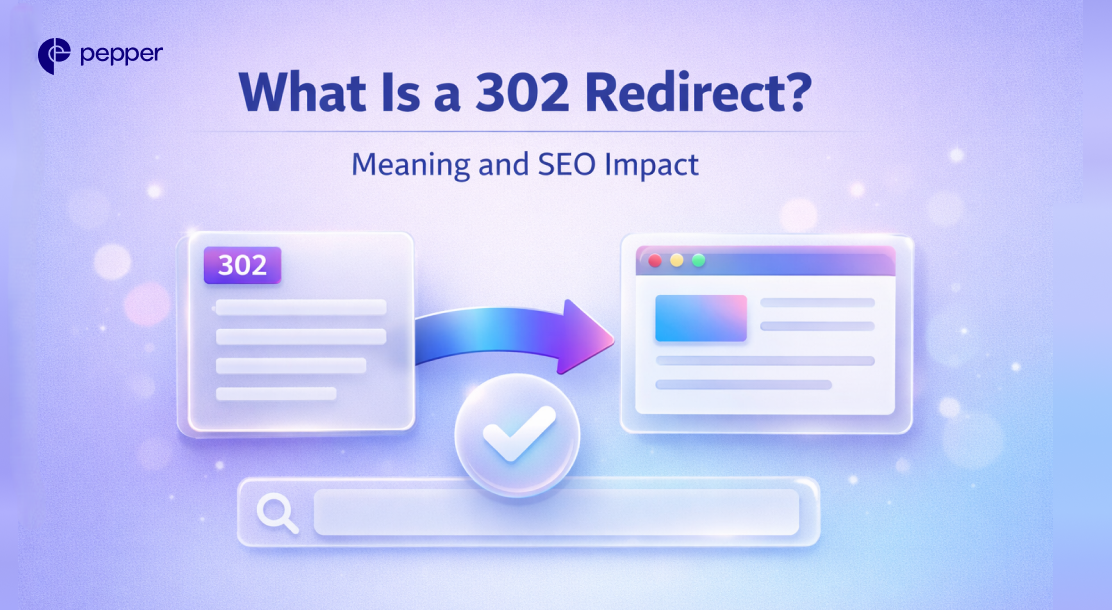
A 302 redirect is an HTTP status code indicating a resource has temporarily moved to a different URL. Unlike permanent 301 redirects, a 302 tells browsers and search engines the original URL will return, so they should keep indexing it rather than the new location.
When a server sends a 302 response, it includes the temporary destination URL. The browser automatically takes users there, but search engines preserve the original page’s rankings and link equity.
302 Redirect Explained
The 302 status code (officially “Found” or “Moved Temporarily”) works through a simple handshake. A user requests your original URL, your server responds with a 302 code plus the temporary location, and the browser redirects automatically.
The key distinction from permanent redirects: search engines don’t transfer ranking authority to the new URL. They assume you’ll restore the original page, so they keep it indexed and maintain its SEO value.
This matters for enterprise marketing teams running time-limited campaigns, A/B tests, or maintenance windows in which the original URL must retain its search position.

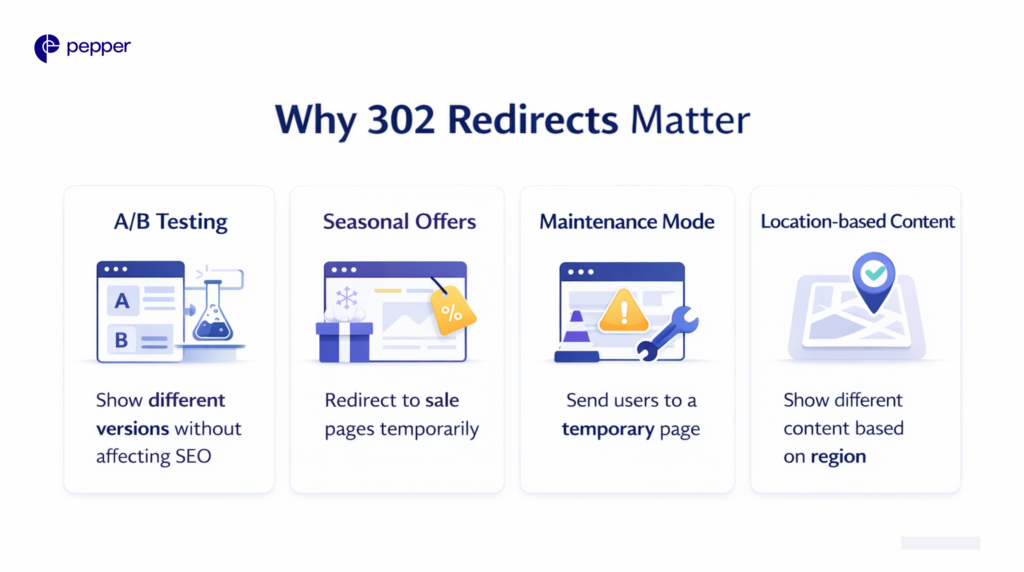
Why 302 Redirects Matter
302 redirects preserve your SEO investment during temporary changes. When you use a 301 (permanent) redirect, search engines transfer link equity to the new URL and eventually remove the original from their index. That’s ideal for permanent moves, but problematic if you plan to restore the original page.
Common use cases include:
- A/B testing: Send traffic to variant pages without affecting the original’s rankings
- Seasonal promotions: Redirect product pages to holiday landing pages temporarily
- Site maintenance: Point users to a maintenance page while preserving the original URL
- Regional content: Temporarily serve location-specific versions based on user geography
302 vs. 301 Redirect: What’s the Difference?
| Feature | 301 (Permanent) | 302 (Temporary) |
|---|---|---|
| Purpose | Permanent URL change | Temporary URL change |
| Link equity | Transfers to new URL | Stays with original URL |
| Browser caching | Cached permanently | Not typically cached |
| Search indexing | New URL replaces original | Original URL stays indexed |
Use 301 redirects when you’ve permanently moved content—domain migrations, URL restructuring, or consolidating duplicate pages. Use 302 redirects when the original URL will return to active use.
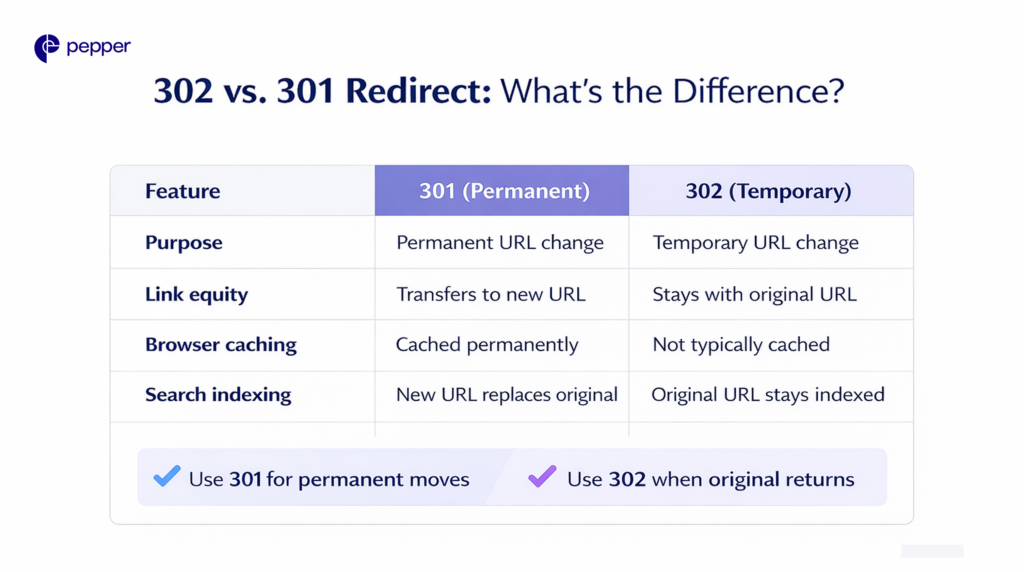
| Remember: Use 302 redirects for temporary URL changes to preserve the original page’s SEO value, and 301 redirects for permanent moves to transfer link equity. |
Frequently Asked Questions
Does a 302 redirect hurt SEO?
No, when used correctly for genuinely temporary changes. However, leaving a 302 in place indefinitely can confuse search engines about which URL to index. Convert long-term 302s to 301s.
How long can I keep a 302 redirect active?
There’s no strict limit, but best practice is days to weeks, not months. If your redirect lasts longer than a few weeks, consider whether a 301 is more appropriate.
What’s the difference between 302 and 307 redirects?
Both are temporary, but 307 guarantees the browser uses the same HTTP method (GET, POST) for the redirected request. Use 307 when preserving form submissions matters; 302 works for standard page redirects.
Do 302 redirects pass link equity?
No. With 302 redirects, link equity remains with the original URL since search engines treat the move as temporary. This is the intended behavior for short-term changes.
Latest Blogs
This blog focuses on 12 of India’s top content writing services.
According to the Content Marketing Institute, one of the most effective ways to promote a business is via good content. At least half of all marketers either are or are planning to use content to reach their customers.
Get your hands on the latest news!