Brave Leo: Your Privacy-First AI Browser Buddy Explained
Ever wish you had a super-smart helper who could answer questions, explain confusing websites, and write stuff for you-but never tattles on you or remembers what you said? That’s Brave Leo.
What is Brave Leo? (The Simple Version)
Think of Brave Leo like having a really smart friend who lives inside your web browser. You know how some people have Alexa or Siri on their phone? Leo is similar, but it lives right in the Brave browser. You can ask it to explain what a webpage means, write an email for you, or translate something into another language.
Here’s the cool part: Leo doesn’t keep a diary of everything you talk about. It’s like having a conversation with someone who forgets what you said five seconds later. No records. No tattling. No storing your secrets in some big computer warehouse somewhere.
How Does Brave Leo Work?
Open any webpage in Brave browser, and Leo is already there, waiting. Click the little Leo icon, and a chat box pops up on your screen. Type your question or request, and Leo responds right away.
Behind the scenes, Leo uses something called “Automatic mode.” This means it picks the smartest AI brain available for your question without you needing to choose. It’s like having a team of experts, and Leo automatically sends your question to whoever knows the answer best.
Want to save time? Leo has a feature called “Skills” where you can save your favorite prompts. Say you always ask Leo to “summarize this article in three bullet points.” Save it as a Skill, and next time you just click that shortcut instead of typing the whole thing again.
Why Does Brave Leo Matter?
Most AI assistants are nosy. They remember every single thing you ask, store your conversations, and sometimes even use your chats to train their AI brains. Leo doesn’t do any of that.
For people who care about privacy (and honestly, we all should), this is huge. You can ask Leo to help with sensitive work stuff, personal questions, or anything else without worrying that your conversation will end up in some company’s database. It’s rated 4.7 out of 5 stars by over 1,300 users who appreciate this approach.
Brave Leo at a Glance
| Feature | Details |
| Privacy Approach | Doesn’t retain or share your conversations-ever |
| Where It Lives | Built directly into Brave browser (no downloads needed) |
| What It Can Do | Summarize pages, generate content, translate text, analyze documents |
| Cost | Free tier available; premium option for extra features |
| AI Smarts | Automatic mode switches between different AI models for best results |
Real-World Examples
Sarah is reading a super long research paper for school. Instead of spending an hour reading it, she asks Leo to “summarize the main points of this article.” Thirty seconds later, she has a clear, simple summary.
Miguel gets an email written in French, but he only speaks English. He copies the text, asks Leo to translate it, and boom-he understands what his French client is saying.
James has 47 browser tabs open (we’ve all been there). He asks Leo to “organize these tabs by topic,” and Leo helps him make sense of the chaos by grouping similar websites together.
FAQs
Q1: Is Brave Leo always accurate?
Not always. Leo can make mistakes or give you wrong information sometimes. Think of it like a smart friend who occasionally gets things confused. Always double-check important stuff Leo tells you.
Q2: Do I need to pay for Brave Leo?
Nope! There’s a free version that works great. There’s also a premium version with extra features if you want them, but the free one handles most things just fine.
Q3: Can other people see what I ask Leo?
No way. Your chats with Leo stay private. Brave doesn’t store them, share them, or let anyone else peek at them. That’s the whole point.
Q4: What’s the Skills feature in Brave Leo?
Skills let you save prompts you use a lot. Create a shortcut once, and next time you need it, just click instead of retyping. It’s like speed-dial for your favorite AI requests.
Wrapping Up
Brave Leo gives you an AI helper that respects your privacy. Ask questions, get help with tasks, and never worry about who’s listening in. It’s smart assistance without the creepy surveillance part.
Latest Blogs
AI search optimization has four cost layers and only one of them has a price you can look up. Software is published, comparable and the cheapest. Agency retainers are published by exactly two firms. Earned media, which drives most AI citations, is priced by almost nobody. And the fourth layer, doing it with your own people, turns out to have no market rate at all. A study of 3,900 SEO job listings found that just 6.3% of senior roles mention AI search, and published salary figures for the same job title differ by 76% between sources.
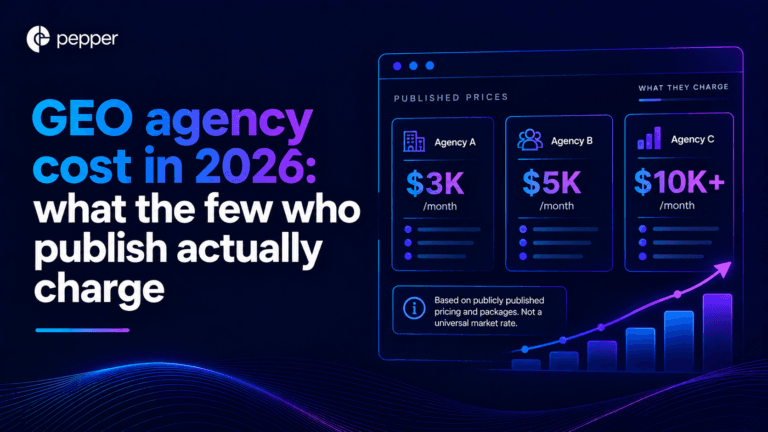
We re-read every published GEO agency price on 25 September 2026, fifteen days after our own benchmark first recorded them. All four held, which is worth knowing on its own because the software side of this market has been withdrawing prices all quarter. The more useful finding came from the one agency that publishes volumes alongside price. Ten blog articles at $3,000 a month and forty at $8,000 works out at $300 and $200 an article. That is a content production contract with a GEO label, and the citation evidence says content you own accounts for a small minority of AI citations.
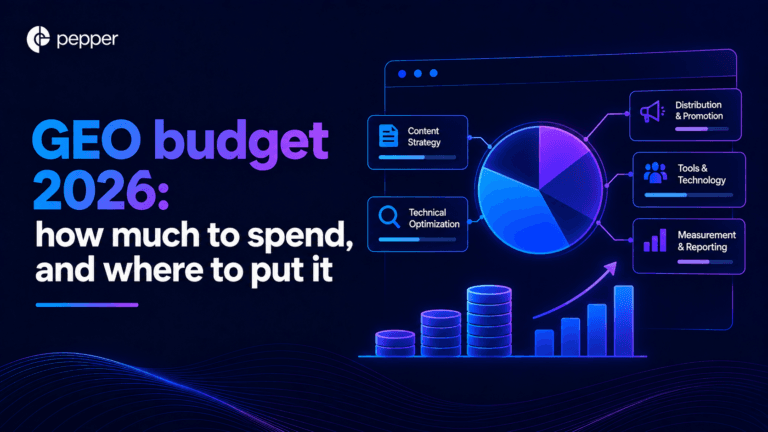
Our own benchmark of 30 published prices already answers what GEO costs. This answers the different question, which is what you should budget and where it should go. Two numbers decide it. A study of more than 25 million cited links found earned media drives 84% of AI citations while paid and advertorial content drives 0.3%. And the Gartner CMO survey of 401 CMOs puts marketing at 7.8% of revenue with SEO the largest single line inside owned and earned digital. Put those together and the answer is that GEO is not a new budget line at all. It is a reallocation, and most teams are making it in the wrong direction.
Get your hands on the latest news!

Similar Posts

GEO / AI Search
16 mins read
AI search optimization cost: the four layers, and the one with a price
GEO / AI Search
16 mins read
GEO agency cost in 2026: what the few who publish actually charge
GEO / AI Search
16 mins read