ChatGPT Search: Like Giving Your AI Friend Internet Access
Ever asked ChatGPT a question and it said “I don’t have access to current information”? That was frustrating, right? Well, ChatGPT Search fixes that problem.
What is ChatGPT Search? (The Simple Version)
Think of regular ChatGPT like a really smart friend who read a ton of books but hasn’t checked the news lately. ChatGPT Search is like giving that same friend a smartphone so they can look things up on the internet while you’re talking.
When you ask ChatGPT Search a question, it doesn’t just rely on what it learned during training. It actually goes out and searches the web, finds current information, and brings it back to you with links to where it found the answer. It’s like having a personal researcher who can read super fast and tell you what they found.
How Does ChatGPT Search Work?
Here’s the simple version: You type a question. ChatGPT Search decides whether it needs fresh information from the internet to answer you properly. If it does, it searches the web (kind of like using Google), reads through the results, and then tells you the answer in a conversational way while showing you where it got the information.
For example, if you ask “What’s the weather in Tokyo today?” regular ChatGPT can’t help because it doesn’t know today’s date or current conditions. But ChatGPT Search can look that up right now and tell you the actual current weather.
Why Does ChatGPT Search Matter?
Before ChatGPT Search, you had to fact-check everything yourself because the AI’s knowledge had a cutoff date. Now, you can ask about breaking news, current events, today’s stock prices, or recent scientific discoveries, and get accurate, up-to-date answers with sources you can verify.
It’s especially useful when you need recent information but want it explained conversationally instead of sifting through search results yourself.
ChatGPT Search at a Glance
| Feature | Details |
| Web Access | Can search and retrieve current information from the internet |
| Source Citations | Provides links to where information was found |
| Real-Time Info | Answers questions about current events, weather, news, and recent updates |
| Conversational Format | Presents web findings in easy-to-understand language, not just links |
| Automatic Detection | Decides when to search the web based on your question |
Real-World Examples
Checking Recent News: Ask “What happened at the climate summit this week?” and ChatGPT Search will find current articles, summarize the key points, and cite its sources.
Product Research: Instead of opening 10 tabs to compare products, ask “What are the main differences between the latest iPhone models?” and get a clear summary with links to reviews.
Current Statistics: Need today’s exchange rate or yesterday’s game score? ChatGPT Search grabs the latest numbers and tells you where it found them.
FAQs
Q1: Is ChatGPT Search different from regular ChatGPT?
Yes. Regular ChatGPT only uses information from its training data. ChatGPT Search can browse the web in real-time to find current information and provide source links.
Q2: Does ChatGPT Search always search the web?
No. It only searches when your question requires current information or recent data. For general knowledge questions, it uses what it already knows to save time.
Q3: Can I trust the information from ChatGPT Search?
It’s more reliable than regular ChatGPT for current events because it cites sources you can verify yourself. Always check the provided links to confirm important information.
Q4: Do I need a special subscription for ChatGPT Search?
ChatGPT Search is available to ChatGPT Plus and Team subscribers. It’s not available on the free version at this time.
Wrapping Up
ChatGPT Search takes the conversational smarts of ChatGPT and adds the power to fetch fresh information from the web. It’s like upgrading from a encyclopedia to a encyclopedia that can also browse the internet for you.
Latest Blogs
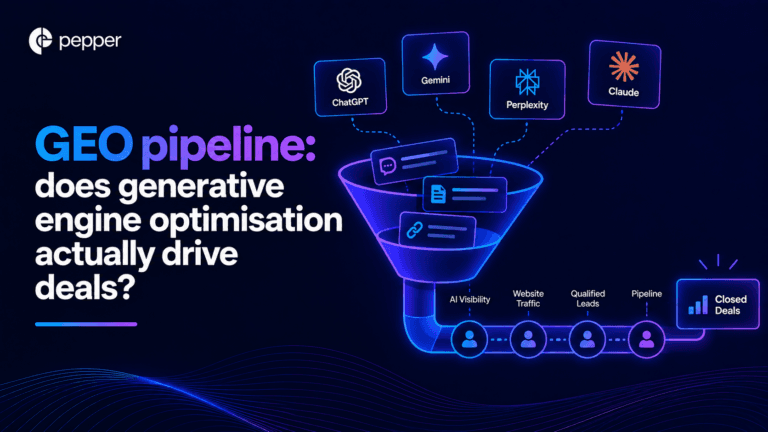
Yes, and it will not show up in your pipeline report. Those two statements are not in tension, they are the same fact stated twice. A survey of more than 1,000 B2B software buyers found 82% had sourced software recommendations from an AI chatbot in the last two years, and about half said AI mattered most when they were narrowing and comparing options. That is precisely the stage that produces no click. Meanwhile the conversion multiples circulating for AI traffic run from 22% better than organic to five times better, and the only peer-reviewed study says worse. Here is how to tell which is true for you.
Agent Atlas is the chat-first layer of Pepper’s platform: you ask in plain language, it reasons across your connected sources, and it runs the work. Here is exactly what it does, and what V1 does not.
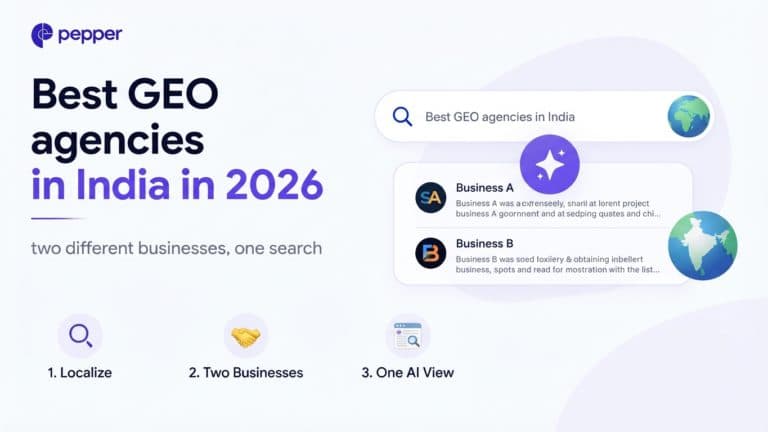
The short answer The fork is who the buyer is, and it changes everything about what you should be buying. Both are legitimate, and the wording problem underneath them is one we traced in AEO, GEO, AIO and LLMO explained. They are not swaps, and a list that ranks them together is comparing an Indian […]
Get your hands on the latest news!

Similar Posts
GEO / AI Search
17 mins read
GEO pipeline: does generative engine optimisation actually drive deals?

GEO / AI Search
11 mins read
What is Agent Atlas? The complete guide
GEO / AI Search
13 mins read