Google Gemini: Your AI Friend That Knows All Your Google Stuff
Remember when you had to open five different apps just to plan a trip? Gemini is Google’s answer to that headache – an AI assistant that already knows where your photos are, what’s in your calendar, and which YouTube videos you watched last night.
What is Gemini? (The Simple Version)
Think of Gemini like a really smart robot assistant that lives inside your phone or computer. But here’s what makes it special: this robot can look at pictures, listen to sounds, read words, and even watch videos – all at once. Most AI helpers can only read text, like trying to cook with one hand tied behind your back. Gemini uses all its senses, just like you do. Plus, it already has the keys to your Gmail, Google Calendar, Maps, YouTube, and Photos. No copying and pasting between apps anymore.
How Does Gemini Work?
Gemini is actually a whole family of AI brains (called models) that Google built. Some are big and powerful (Gemini 3 Pro), some are super fast (Gemini 2.5 Flash), and some are brand new (Gemini 2.0 Flash). You can talk to Gemini through the Gemini app, or it hides inside other Google apps like Gmail and Docs to help you write better emails or organize spreadsheets. When you ask it a question, it can pull information from multiple Google services at the same time. Ask it to “find photos from my beach trip and add them to next week’s presentation,” and it actually knows where to look because it connects to your Google account.
Why Does Gemini Matter?
Most AI chatbots are like smart strangers – you have to explain everything to them from scratch. Gemini already knows your world because it connects to the Google services you use every day. This means faster answers and less busywork. For businesses, Google offers the Gemini Enterprise Agent Platform, where AI agents can actually complete tasks on their own, like organizing data or planning projects. You stop being a copy-paste machine and start getting real work done.
Gemini at a Glance
| Feature | Details |
| Type | Multimodal AI model family (understands text, images, audio, video) |
| Main Access Points | Gemini app, Google Workspace (Gmail, Docs, Sheets), API for developers |
| Google Services Connected | Gmail, Google Calendar, Google Maps, YouTube, Google Photos |
| Model Versions | Gemini 3 Pro (powerful), Gemini 2.5 Flash (fast), Gemini 2.0 Flash (newest) |
| Best For | People already using Google services who want AI help without app-hopping |
Real-World Examples
Sarah uses Gemini in Gmail to draft professional responses while she’s running late for a meeting – it reads her previous emails to match her writing style. Marcus asks Gemini to “find that funny dog video I watched last month on YouTube and send it to my sister” – it searches his YouTube history and opens a share screen with her contact already selected. A small marketing team uses the Gemini Enterprise Agent Platform to automatically generate monthly reports by pulling data from Google Sheets and formatting it in Docs, saving them four hours of boring work every month.
FAQs
Q1: Can Gemini see all my private Google data?
Gemini only accesses what you give it permission to use. You control which Google services it connects to through your settings. It follows Google’s standard privacy policies.
Q2: Do I need to pay for Gemini?
The basic Gemini app is free. Advanced features and the Enterprise Agent Platform for businesses require paid plans, similar to upgrading from free Gmail to Google Workspace.
Q3: How is Gemini different from ChatGPT?
Gemini connects directly to your Google services (Gmail, Calendar, YouTube, etc.) without you copying information back and forth. It also processes images and audio natively, while many competitors added those features later.
Q4: Can developers build apps with Gemini?
Yes, through the Gemini API. However, developers cannot use it to create competing AI models or reverse-engineer how Gemini works – Google protects the underlying technology.
Wrapping Up
Gemini turns your scattered Google services into one smart workspace. Whether you’re managing emails, finding old photos, or planning your week, it handles the boring connection work so you can focus on the fun stuff.
Latest Blogs
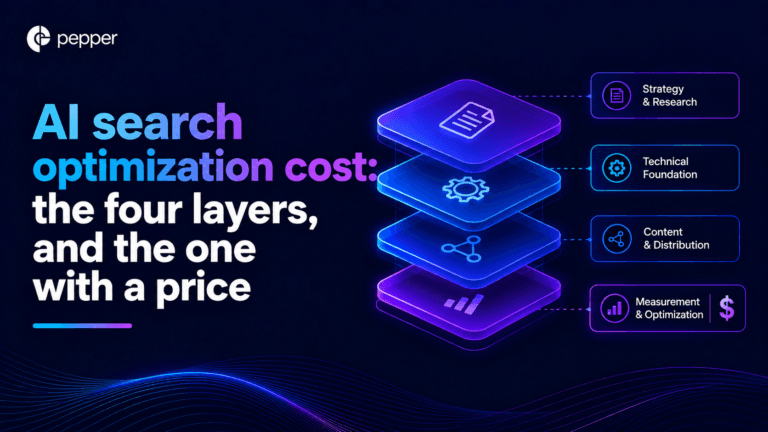
AI search optimization has four cost layers and only one of them has a price you can look up. Software is published, comparable and the cheapest. Agency retainers are published by exactly two firms. Earned media, which drives most AI citations, is priced by almost nobody. And the fourth layer, doing it with your own people, turns out to have no market rate at all. A study of 3,900 SEO job listings found that just 6.3% of senior roles mention AI search, and published salary figures for the same job title differ by 76% between sources.
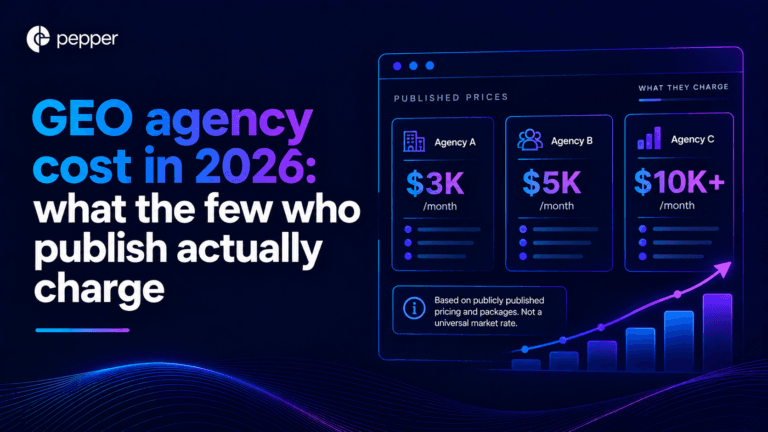
We re-read every published GEO agency price on 25 September 2026, fifteen days after our own benchmark first recorded them. All four held, which is worth knowing on its own because the software side of this market has been withdrawing prices all quarter. The more useful finding came from the one agency that publishes volumes alongside price. Ten blog articles at $3,000 a month and forty at $8,000 works out at $300 and $200 an article. That is a content production contract with a GEO label, and the citation evidence says content you own accounts for a small minority of AI citations.
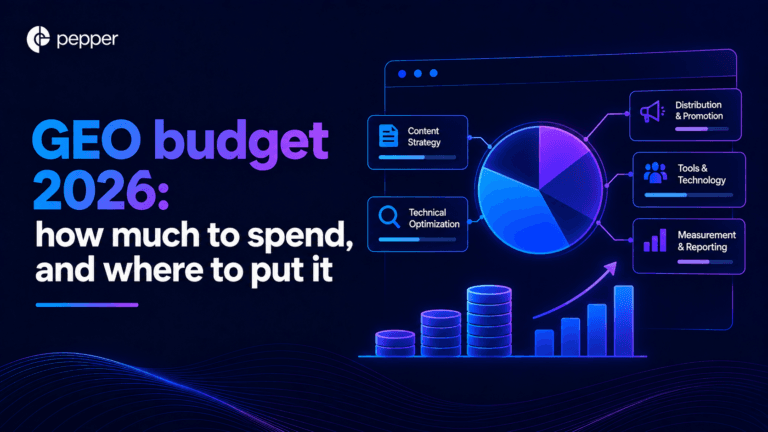
Our own benchmark of 30 published prices already answers what GEO costs. This answers the different question, which is what you should budget and where it should go. Two numbers decide it. A study of more than 25 million cited links found earned media drives 84% of AI citations while paid and advertorial content drives 0.3%. And the Gartner CMO survey of 401 CMOs puts marketing at 7.8% of revenue with SEO the largest single line inside owned and earned digital. Put those together and the answer is that GEO is not a new budget line at all. It is a reallocation, and most teams are making it in the wrong direction.
Get your hands on the latest news!

Similar Posts
GEO / AI Search
16 mins read
AI search optimization cost: the four layers, and the one with a price
GEO / AI Search
16 mins read
GEO agency cost in 2026: what the few who publish actually charge
GEO / AI Search
16 mins read