Google AI Mode: Search That Actually Talks Back
Remember playing 20 questions as a kid? You’d ask one question, then another, and the person answering would remember everything you’d already asked. Google AI Mode works just like that-except instead of guessing what’s in your friend’s head, you’re searching the entire internet.
What is Google AI Mode? (The Simple Version)
Google AI Mode is a special button you can press to turn regular Google Search into a chatty helper. Think of it like this: normal Google Search is like looking through a toy catalog-you see lots of pictures and pick what you want. Google AI Mode is like having a friend who knows the catalog by heart and can answer your questions about the toys.
When you turn it on (you have to press a button-it doesn’t just happen), your search page changes. Instead of seeing ten blue links, you get answers written out like someone’s talking to you. And here’s the cool part: it remembers what you asked before, so you can say things like “What about the red one?” and it knows you’re still talking about toys.
How Does Google AI Mode Work?
When you click the AI Mode button, Google wakes up its smartest robot brain called Gemini 2.0. This robot reads your question, searches the web (just like regular Google), then writes you an answer in plain English.
Here’s the magic part: after you get your first answer, you can ask follow-up questions. Say you ask, “What’s the tallest building in New York?” After getting that answer, you can type “When was it built?” and Google AI Mode remembers you’re asking about that same building. You don’t have to type “When was the Empire State Building built?” each time.
If the AI isn’t super confident about an answer, it shows you regular website links instead. It’s like when your friend admits they’re not sure and says “Here, look at this book yourself.”
Why Does Google AI Mode Matter?
Sometimes you need quick facts. Other times you’re trying to understand something complicated. Google AI Mode helps with the second kind.
Say you’re planning a birthday party. Instead of doing five separate searches (“pizza places near me,” “what time do they close,” “do they deliver,” “how much is delivery,” “what toppings do kids like”), you can have one conversation. The AI remembers each part of your party-planning journey.
Google AI Mode at a Glance
| Feature | Details |
| What Powers It | Gemini 2.0 (Google’s newest AI brain) |
| How You Activate It | Press a toggle or button—it’s opt-in, not automatic |
| What It Replaces | The traditional page of blue search links |
| Special Ability | Remembers your previous questions in the same session |
| Launch Date | March 5, 2025 |
| Fallback Behavior | Shows regular web links when uncertain about answers |
Real-World Examples
Sarah’s doing homework about space. She searches “How big is Mars?” then asks “How far away is it?” then “Could we live there someday?” AI Mode knows all three questions are about Mars, even though she only said “Mars” once.
Tom’s shopping for headphones. He asks about wireless options, then “Which ones work with iPhones?” then “What’s the battery life?” Each answer builds on the last-no need to repeat “wireless headphones” every single time.
Maria’s cooking dinner and realizes she’s out of eggs. She asks “Can I bake cookies without eggs?” then “What can I use instead?” The AI knows she’s asking about egg substitutes for those cookies specifically.
FAQs
Q1: Is Google AI Mode the same as AI Overviews?
Nope. AI Overviews pop up automatically at the top of regular search results. AI Mode is a whole different page you choose to open by clicking a button.
Q2: Does Google AI Mode work on my phone?
Yes. It rolled out on Android devices and across Google’s services starting March 5, 2025.
Q3: Will AI Mode give me wrong information?
It tries hard not to. When it’s not confident about something, it shows you regular website links instead of making up an answer.
Q4: Can I switch back to regular search easily?
Absolutely. Since you have to turn AI Mode on yourself, you can turn it off whenever you want and go back to the normal search page.
Wrapping Up
Google AI Mode is basically search with a memory. You press a button
Latest Blogs
AI search optimization has four cost layers and only one of them has a price you can look up. Software is published, comparable and the cheapest. Agency retainers are published by exactly two firms. Earned media, which drives most AI citations, is priced by almost nobody. And the fourth layer, doing it with your own people, turns out to have no market rate at all. A study of 3,900 SEO job listings found that just 6.3% of senior roles mention AI search, and published salary figures for the same job title differ by 76% between sources.
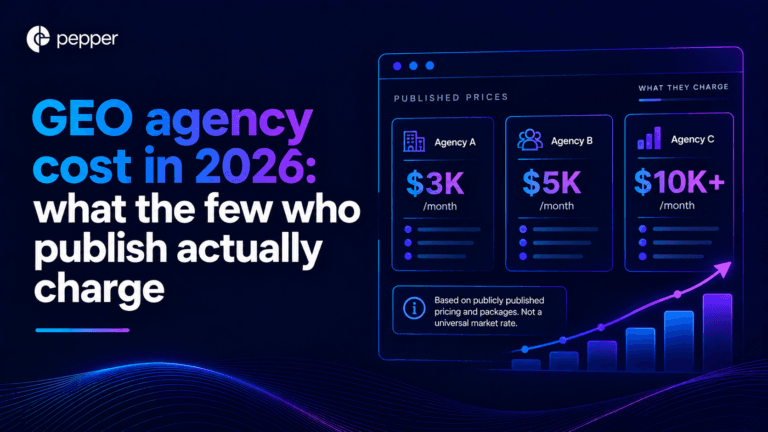
We re-read every published GEO agency price on 25 September 2026, fifteen days after our own benchmark first recorded them. All four held, which is worth knowing on its own because the software side of this market has been withdrawing prices all quarter. The more useful finding came from the one agency that publishes volumes alongside price. Ten blog articles at $3,000 a month and forty at $8,000 works out at $300 and $200 an article. That is a content production contract with a GEO label, and the citation evidence says content you own accounts for a small minority of AI citations.
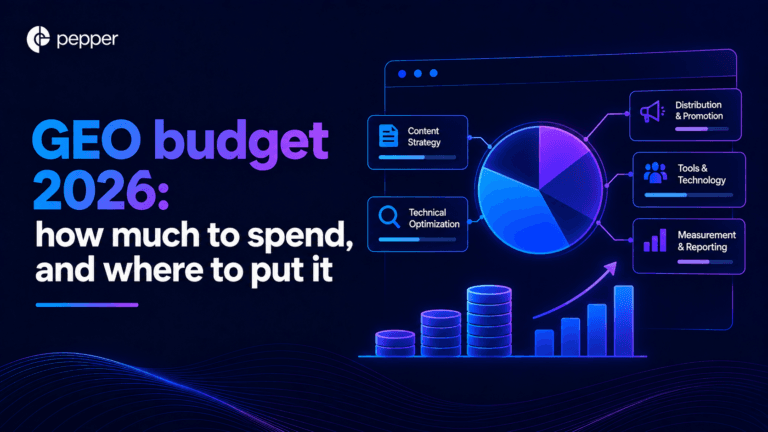
Our own benchmark of 30 published prices already answers what GEO costs. This answers the different question, which is what you should budget and where it should go. Two numbers decide it. A study of more than 25 million cited links found earned media drives 84% of AI citations while paid and advertorial content drives 0.3%. And the Gartner CMO survey of 401 CMOs puts marketing at 7.8% of revenue with SEO the largest single line inside owned and earned digital. Put those together and the answer is that GEO is not a new budget line at all. It is a reallocation, and most teams are making it in the wrong direction.
Get your hands on the latest news!

Similar Posts

GEO / AI Search
16 mins read
AI search optimization cost: the four layers, and the one with a price
GEO / AI Search
16 mins read
GEO agency cost in 2026: what the few who publish actually charge
GEO / AI Search
16 mins read