Knowledge Panel: Google’s Gold Star for Your Brand
Ever search for your favorite superhero and see that cool box with their picture, powers, and friends? That’s a Knowledge Panel, and getting one for your business is like Google saying, “Yep, this person is real and important!”
What is a Knowledge Panel? (The Simple Version)
Think of Google as a giant library where the librarian knows EVERYTHING. A Knowledge Panel is like the librarian making a special card just for you with your photo, what you do, where you live, and who your friends are. This card sits right on the shelf (the search results page) so everyone can see it immediately. Google only makes these cards for people and businesses it trusts and recognizes as real. It’s basically Google’s way of giving you a gold star.
How Does a Knowledge Panel Work?
When someone searches for your name or business, Google checks its giant database called the Knowledge Graph. This database is like a huge address book of every person, place, and thing Google knows about. If you’re in there, Google creates a pretty information box that shows up on the right side of the search results. This box pulls details from different places: your Google Maps listing if you’re a local business, facts from trusted websites, and connections to other entities. It’s like Google gathering all your best facts and putting them in one convenient place.
Why Does a Knowledge Panel Matter?
Having a Knowledge Panel tells the world that Google verified you’re legitimate. It’s like having a badge that says, “Official Human/Business – Google Approved!” This matters because people trust Google. When they see your Knowledge Panel, they see you as more authoritative and real. Plus, your information is RIGHT THERE – they don’t have to click around to find your phone number, website, or social media. For businesses, this visibility can mean the difference between a customer choosing you or your competitor.
Knowledge Panel at a Glance
| Feature | Details |
| Location | Right side of Google search results |
| Data Source | Google’s Knowledge Graph database |
| Content Displayed | Images, descriptions, contact info, social links, related entities |
| Trust Signal | Indicates Google verification and authority |
| Local Business Data | Pulls from Google Maps and Google My Business listings |
| Visual Format | Structured information box with photos and organized facts |
Real-World Examples
Search for “Serena Williams” and you’ll see her photo, tennis achievements, family members, and social media. That’s her Knowledge Panel. Local coffee shops with strong Google My Business profiles often get panels showing their hours, reviews, and location map. Even authors get panels displaying their books, biography, and related writers. Each panel gives searchers instant, trustworthy information without clicking through multiple websites.
FAQs
Q1: What kind of information appears in a Knowledge Panel?
Knowledge Panels typically show images, a short description, key facts about the entity, social media profiles, contact details, and related entities. For businesses, you’ll also see location and hours from Google Maps.
Q2: How is a Knowledge Panel different from regular search results?
Regular search results are just links to webpages. A Knowledge Panel is a visual information box that pulls verified facts from Google’s Knowledge Graph, serving as a trusted summary rather than just another link.
Q3: Can any business get a Knowledge Panel?
Not automatically. Google creates Knowledge Panels for entities it has verified and deemed significant enough to include in its Knowledge Graph database. Local businesses can increase their chances through Google My Business listings.
Q4: Where does Google get Knowledge Panel data?
Google aggregates information from multiple sources including its Knowledge Graph database, Google Maps, Google My Business listings, and other trusted websites that provide entity information.
Wrapping Up
A Knowledge Panel is your digital trophy case on Google. It shows the world that you’re recognized, verified, and worth knowing about. Think of it as Google’s way of making you easier to find and trust.
Latest Blogs
Most advice on this is inference dressed as fact. OpenAI documents exactly one thing clearly, which is access. Here is what is documented, what is inferred, and how to verify the rest for yourself.
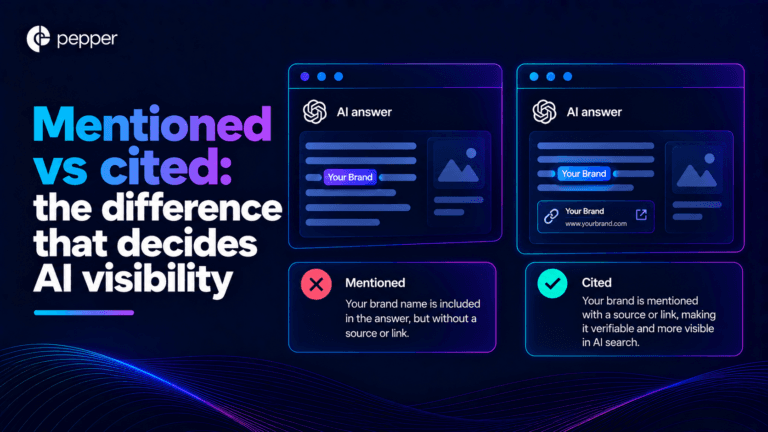
Being named in an AI answer and having your page used as its source are different outcomes with different causes and different fixes. The gap between them is the most useful diagnostic in AI search, and most reporting collapses it into one number.
Every platform reports share of voice and almost none of them define it the same way. Here is the definition worth using, the three choices that change the number, and how to measure it yourself without buying anything.
Get your hands on the latest news!

Similar Posts
GEO / AI Search
10 mins read
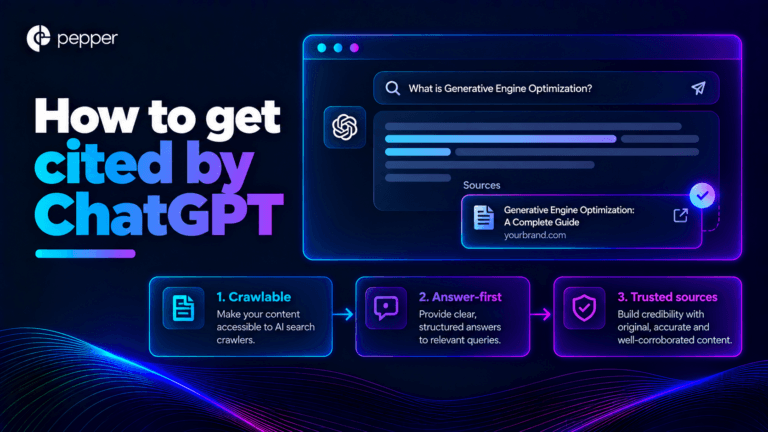
How to get cited by ChatGPT
GEO / AI Search
10 mins read
Mentioned vs cited: the difference that decides AI visibility
GEO / AI Search
13 mins read