What is Temperature in AI? (And Why It Matters for Your Marketing)
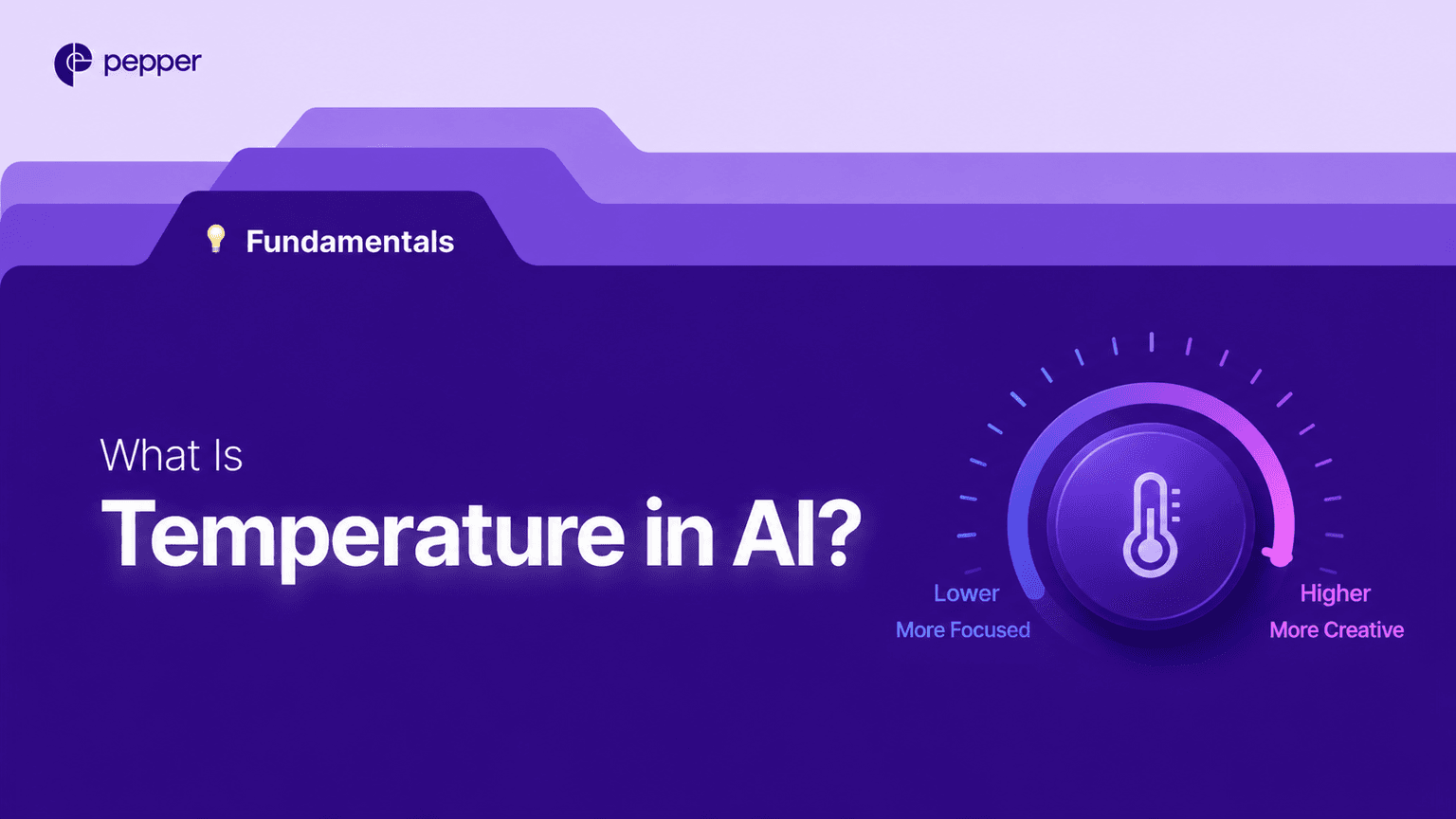
Ever ask ChatGPT the same question twice and get totally different answers? That’s temperature at work. It’s a simple dial that changes how your AI behaves-from boring robot to wild creative genius.
What is Temperature? (The Simple Version)
Temperature is like a volume knob for creativity in your AI. When you turn it way down (close to 0), your AI becomes super predictable-it picks the most obvious word every single time, like a student who always gives the safest answer. When you crank it up (closer to 1 or higher), your AI starts taking chances-it might pick surprising words, unexpected ideas, or creative twists you didn’t see coming.
Think of it this way: Temperature 0 is like asking someone to count to 10. They’ll always say “1, 2, 3…” because that’s the most obvious answer. Temperature 1 is like asking them to count creatively-they might say “one, deux, tres” or “uno, two, THREE!” Way more interesting, but also riskier.
How Does Temperature Work?
When your AI writes, it’s really playing a guessing game. For every word, it looks at thousands of options and picks one. Temperature changes how it picks.
At low settings (0.0 to 0.3), the AI always chooses the word with the highest probability. Ask it “The sky is…” five times, and it’ll say “blue” every single time. Boring but reliable.
At high settings (0.8 and up), the AI spreads its bets. It might say “blue” twice, then “vast,” then “infinite,” then “full of clouds.” Same question, totally different vibes. This happens because temperature adjusts the probability math-high settings flatten the curve, making less-likely words suddenly appealing.
For marketers, this matters because different tasks need different temperature settings. Writing a product description with exact specs? Go low. Brainstorming 20 wild campaign ideas? Go high.
Why Does Temperature Matter?
Wrong temperature settings waste time and money. Run your data reports at high temperature and you’ll get creative fiction instead of facts. Run your brainstorming sessions at low temperature and you’ll get the same boring idea ten times in a row.
One marketing team I know kept getting identical email subject lines from their AI-turns out they had temperature set to 0.1 for a creative task. Once they bumped it to 0.8, they got actual variety.
Temperature at a Glance
| Temperature Range | Best For | Output Style | Risk Level | Example Task |
| 0.0 – 0.3 | Data analysis, reports, summaries | Predictable and consistent | Low-safe but repetitive | “Summarize our Q3 sales data” |
| 0.4 – 0.6 | General writing, emails, FAQs | Balanced and reliable | Medium-mostly sensible | “Write a customer service response” |
| 0.7 – 0.9 | Brainstorming, content ideas, headlines | Creative and varied | Medium-high-occasionally odd | “Generate 10 blog post titles” |
| 1.0+ | Experimental fiction, wild concepts | Unpredictable and adventurous | High-might be nonsensical | “Write a surreal ad campaign” |
| Default (0.7) | Most everyday tasks | Slightly creative but usable | Balanced | “Help me write a social media post” |
Real-World Examples
Email Subject Lines: At temperature 0.2, you get “Your Order Has Shipped” ten times. At temperature 0.8, you get variety: “Your Package Is On Its Way!”, “Good News About Your Order”, “Guess What Just Left Our Warehouse?”
Product Descriptions: Temperature 0.1 keeps facts straight-“This laptop has 16GB RAM and a 512GB SSD” stays accurate across generations. Temperature 0.9 might say “This laptop has infinite possibilities” (poetic but useless for specs).
Campaign Brainstorming: Temperature 0.3 gives you “Summer Sale Event” five times. Temperature 0.9 gives you “Sizzle Into Savings,” “Hot Deals, Cool Prices,” “The Summer of Yes”-way more options to choose from.
FAQs
What is the best temperature setting for marketing content?
It depends on the task. Use 0.2-0.3 for factual content like product specs or data reports. Use 0.7-0.9 for creative work like brainstorming headlines or social media posts.
Can I change temperature mid-conversation with an AI?
Most AI tools let you adjust temperature in their settings before you start. Some advanced platforms let you change it on the fly, but typically you set it once per session.
Does higher temperature always mean better creativity?
Not exactly. Higher settings give you more variety, but they also increase the chance of weird or nonsensical outputs. Think of it as creativity with a side of chaos.
How is temperature different from other AI settings?
Temperature controls randomness in word choice. Other settings (like Top-P) also affect creativity but work differently-they limit which words the AI considers rather than changing how it picks them.
Wrapping Up
Temperature is your secret weapon for getting better AI outputs. Match the setting to your task, and you’ll stop wasting time regenerating responses. Low for facts, high for fun-simple as that.
Latest Blogs
There is no shortage of numbers answering this. But there is a severe shortage of numbers you can trace to a primary source, and the two sets do not overlap much. The short answer In short: large and growing, and yet nobody can give you a defensible growth rate. Only four figures come from primary […]
Indian AI users are ahead on capability, not just volume. Four times the global median on data analysis, second globally in AI skills penetration. That changes what adapting means for Indian brands.
The short answer An AI visibility check takes about fifteen minutes and gives you one of four answers. That is the whole exercise. Ask five questions your buyers ask, in three engines. Record two things each time: whether the answer named you, and whether it cited a page you own. Those two columns produce four […]
Get your hands on the latest news!

Similar Posts
GEO / AI Search
9 mins read
AI search adoption: how fast is it actually growing?

GEO / AI Search
9 mins read
AI search in India: how Indian brands are adapting

Artificial Intelligence
11 mins read